Have you ever been there? You've just finished a brilliant piece of code, designed a slick UI, or found the perfect example for a tutorial. You take a screenshot to share your work, but when you look at it… it's just… plain.
You could share it as is, but it lacks professionalism. Or, you could spend the next 15 minutes wrestling with a heavy-duty design tool, carefully placing it on a background, adding a shadow, and rounding the corners, all for a single image.
There has to be a better way.
That's why I've been pouring my time into a personal project I'm incredibly excited to share with you: Backdrop.
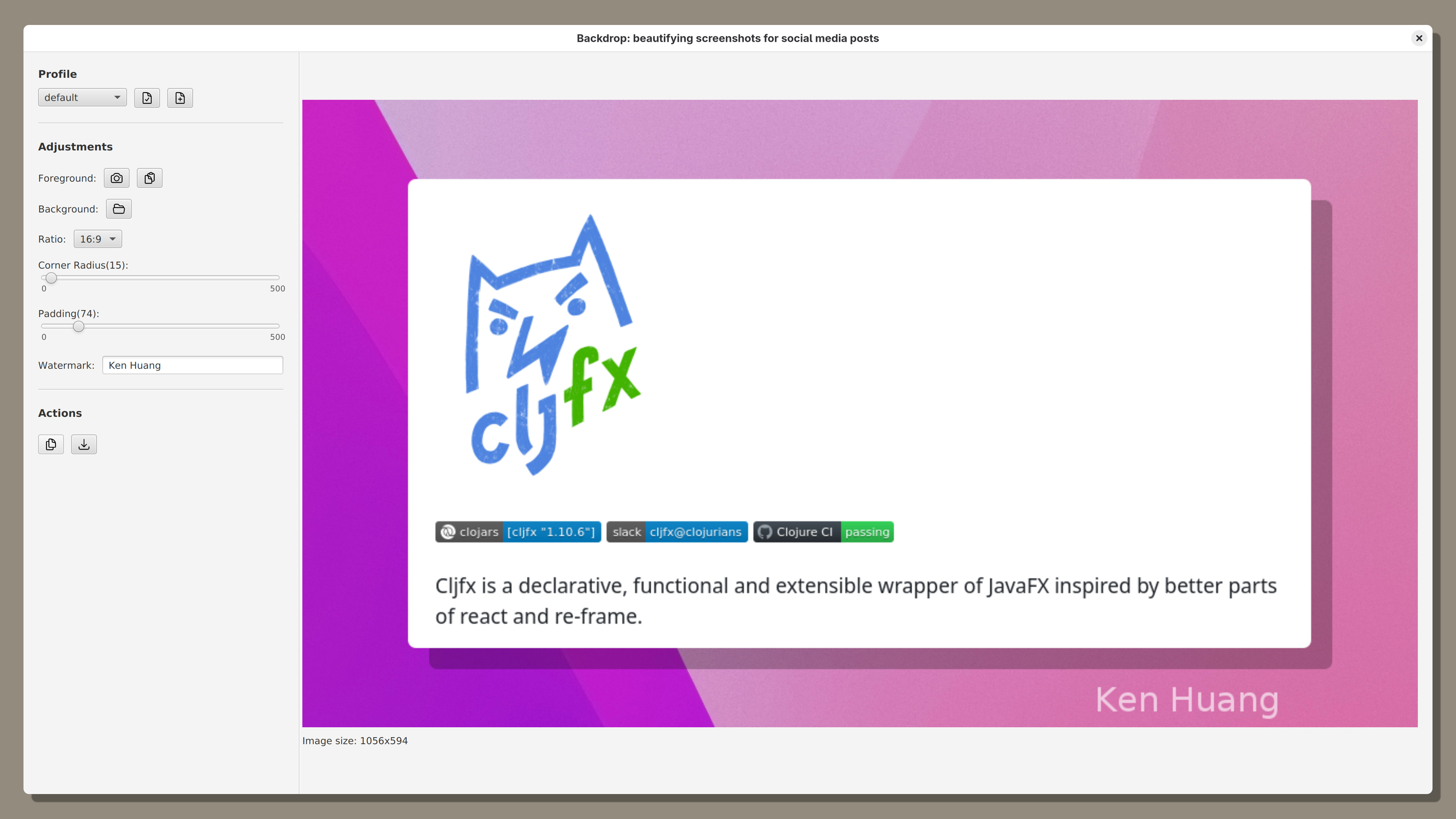
Backdrop is a simple, focused desktop application designed to do one thing and do it well: help you create beautiful, professional, and share-worthy screenshots in just a few seconds.
It's the tool I always wanted for myself. It takes the tedious, repetitive work out of making your screenshots look great, so you can focus on the content you're sharing, not the manual design work.
With Backdrop, you can:
- 🎨 Add Stunning Backgrounds: Instantly place your screenshot on a beautiful gradient, a custom image, or a simple color.
- ✨ Fine-Tune the Details: Easily control the padding, add elegant rounded corners, and apply a soft drop shadow to make your image pop.
- ✍️ Annotate with Ease: Quickly draw attention to specific areas with simple line and rectangle drawing tools.
- ⏱️ Save Your Styles: Create and save your favorite looks as "profiles" so you can apply a consistent, branded style with a single click.
I'm getting very close to the official launch! As a thank you for being part of this journey and for your early support, I want to offer you early access and a special 50% discount.
If you're ready to stop sharing boring screenshots and start creating beautiful ones in a fraction of the time, sign up below.
👉 Sign up for Early Access and a 50% Discount at https://backdrop.whatacold.io
I can't wait for you to try it. I'd love to know what you think! What's the most annoying part of your current screenshot workflow? Let me know in the comments below!